Student Information
Keep student, family, and classroom records connected.
Explore student recordsConnected school workflows
Explore how the work connects: records inform classrooms, teachers share progress, and families see the updates relevant to their children.

What your school can bring together
Choose a feature to see its purpose, the everyday actions it supports, and how the work reaches the right people.
Keep student, family, and classroom records connected.
Explore student recordsConnect class assignments, grading, and released progress.
Explore academic workflowsBring classroom updates, messages, and school announcements together.
Explore communicationOrganize tuition, fee invoices, and family billing records.
Explore school billingRecord attendance and manage arrival and dismissal workflows.
Explore attendanceKeep class meeting times and school events in context.
Explore schedulesGive verified families a clear view of each child’s school day.
Explore family connectionsOrganize the practical work of an assigned classroom.
Explore classroom workHelp students organize their own classes, assignments, and progress.
Explore student accessReview school data and export the records you are authorized to use.
Explore school reportingHow it fits into the day
Each role starts with its own tasks and sees the records it is authorized to use. Here is how that can look in a school day.

Connect school operations across classrooms and programs without losing the context of each team.
Review the dashboard, school calendar, and work that needs attention. Choose the program context when your school runs more than one program.
Work with student and family records, enrollment commitments, classroom rosters, staff assignments, or school billing in the relevant workspace.
Publish an announcement to an authorized audience, review reports, and keep operational details available to the people responsible for them.
One school-wide perspective, with program and classroom context when you need it.

Keep assigned-class work together, with tools that reflect the learning or care taking place.
Use your classroom and roster context to see the children or students you teach and the tasks relevant to that class.
For care programs, record the relevant daily care and development updates. For academic classes, manage attendance, assignments, lessons, and grades.
Use classroom updates and messages to keep authorized families connected to classroom life and learning.
The teacher’s starting point is the assigned class, with care or academic tools relevant to the program.
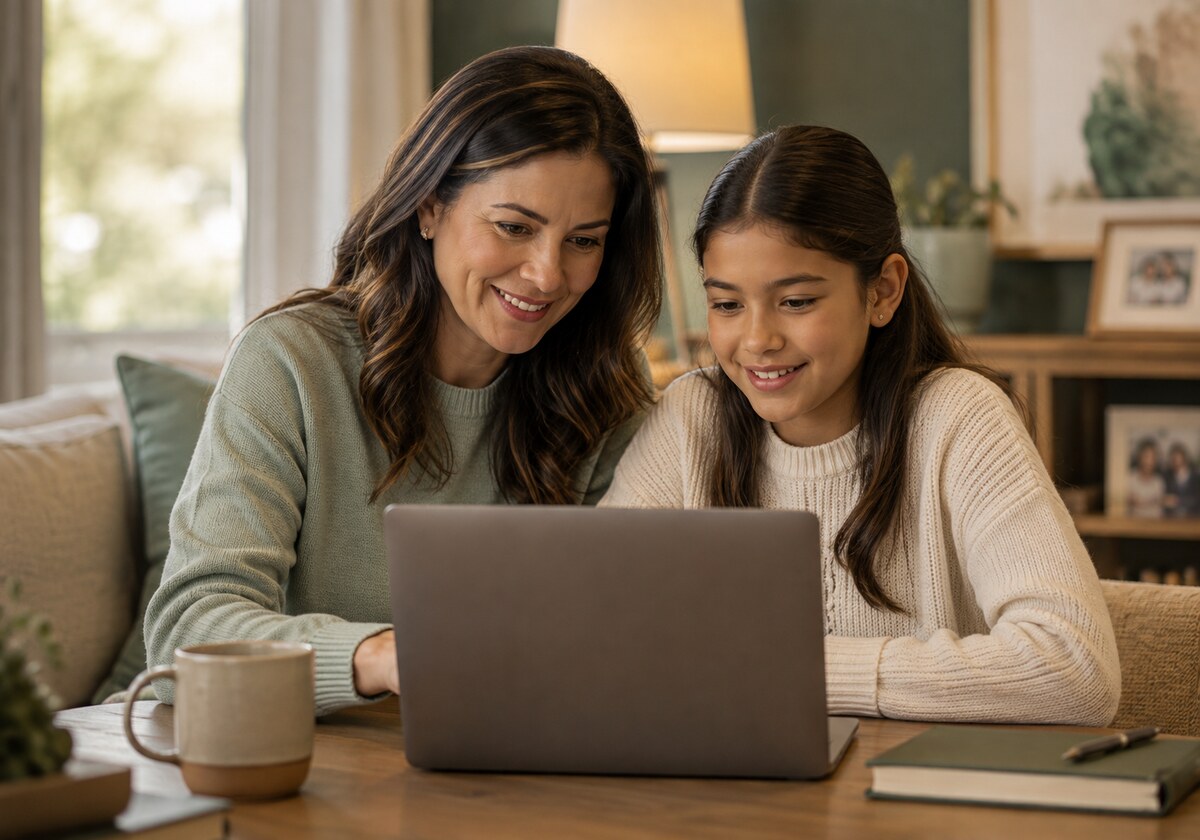
Stay connected to each child, including families with children in different school programs.
Start with your verified family connection and select the child whose day you want to follow.
Read shared daily care and development updates for younger children, or attendance, assignments, and progress for academic programs.
Read classroom updates, contact teachers, review family billing, and respond to school forms through the relevant workspace.
Child-specific information stays with the selected child; family responsibilities remain easy to find.

Give students a clear place to organize their own academic work when their school provides student access.
Review your own schedule, classes, school announcements, and upcoming assignment dates.
Open assigned work, submit where available, and follow the grades and feedback released to you.
Use class resources and your progress view to understand what needs attention.
Student access follows the school’s account and permission setup. Infants and toddlers use family and staff experiences.
One school can serve different stages
A school can run multiple programs. Classrooms and role experiences should reflect the program, while family records and school operations stay connected.
Focus on classroom routines, daily care logs, safe handoffs, and the updates families need about their child’s day.
Bring classroom activities, development observations, attendance, and family updates together for preschool learning.
Organize academic classes, schedules, attendance, assignments, grades, and school-to-family communication.
These age ranges describe common program groupings. Each school defines its program structure and access; a child’s age alone does not grant an account or change permissions.
Explore a feature in context
A shared student record gives authorized staff a consistent starting point for school operations. Enrollment, roster placement, and family access each keep their own controls.
Teachers work in their assigned classes. Students and families follow the academic work and progress their school makes available to them.
Classroom feeds and school messages connect daily learning with home. Audience and relationship controls keep updates scoped to the people meant to receive them.
School billing brings family invoices and payment records into the same school context. Online payment availability depends on the school’s provider setup.
Classroom attendance and arrival workflows serve different tasks. A family’s arrival or pickup signal does not replace the staff confirmation needed to record attendance or release a child.
Class sections, meeting times, and school calendars help each role understand what is coming next without introducing a separate set of student records.
Families can select a linked child and follow school-released care or academic information. Forms, communication, and billing support the wider family relationship.
The teacher’s workspace follows the class assignment. Care and development workflows serve younger children; lesson, assignment, and grading workflows serve academic classes.
Students with an explicitly linked school account use their own academic view. Student access is established by the school; younger children stay supported through family and staff views.
School reports help staff review records in their operational context. Filters and authorized exports support follow-up without opening access to unrelated students or programs.
Compare plans or explore the Pilot School Program with your school’s priorities in mind.